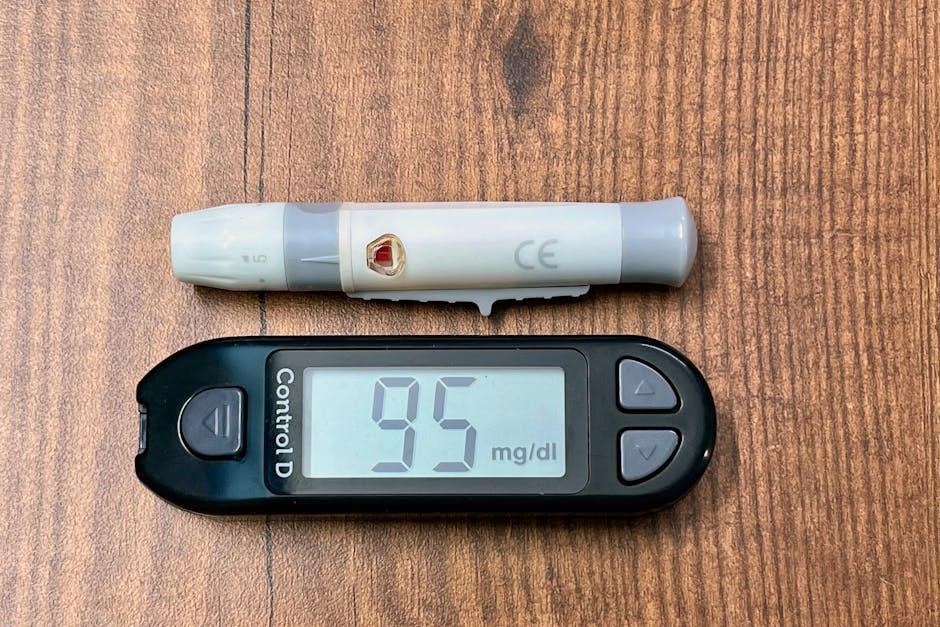
CoaguChek XS Manual: A Comprehensive Guide
Welcome! This detailed manual expertly guides users through the CoaguChek XS system, offering comprehensive instructions for optimal operation and reliable results.
It covers everything from initial setup and testing procedures to troubleshooting, maintenance, and advanced features – ensuring confident self-monitoring.
This resource is designed to empower individuals with the knowledge needed to effectively manage their anticoagulation therapy using this CLIA-waived system.
The CoaguChek XS system represents a significant advancement in point-of-care testing for individuals on anticoagulant therapy, such as warfarin. This portable device allows for convenient and accurate monitoring of Prothrombin Time (PT) and International Normalized Ratio (INR) levels from the comfort of your home.
Designed for ease of use, the CoaguChek XS empowers patients to actively participate in their healthcare management. It eliminates the need for frequent visits to a laboratory or clinic for INR testing, offering greater flexibility and control. The system is CLIA-waived, meaning it meets specific quality control standards for use in a home setting.
This manual serves as your comprehensive guide to understanding and operating the CoaguChek XS system effectively. It will detail each step, from initial setup and testing procedures to interpreting results and troubleshooting common issues. Proper utilization of this system, coupled with guidance from your healthcare provider, is crucial for maintaining optimal anticoagulation therapy and overall health.
Understanding Prothrombin Time (PT) and International Normalized Ratio (INR)
Prothrombin Time (PT) is a blood test that measures how long it takes for your blood to clot. It assesses the function of several clotting factors in your blood. However, PT results can vary between laboratories due to differences in reagents and equipment.
To standardize these results, the International Normalized Ratio (INR) was developed. INR is a calculated value that adjusts for these variations, providing a consistent measure of your blood’s clotting ability, regardless of where the test is performed.
For individuals taking warfarin, maintaining a therapeutic INR range – typically between 2.0 and 3.0, but individualized by your doctor – is vital. Regular monitoring with the CoaguChek XS system helps ensure your INR stays within this target range, minimizing the risk of both bleeding and clotting complications. Understanding your INR is key to effective anticoagulation management.
Key Features of the CoaguChek XS Meter
The CoaguChek XS meter is a portable, user-friendly device designed for convenient and accurate self-testing of Prothrombin Time/International Normalized Ratio (PT/INR). A standout feature is its CLIA-waived status, allowing for testing in a home setting without complex laboratory requirements.
This meter boasts a small sample size requirement – only a tiny drop of blood is needed, minimizing discomfort. Results are displayed quickly and clearly on the device’s screen, and the meter features automatic test strip recognition, reducing the risk of errors.
Furthermore, the CoaguChek XS offers data memory to track your INR history, and Bluetooth connectivity for seamless data transfer to compatible smartphones or computers. Its rechargeable battery ensures portability and long-lasting use, making it an ideal tool for managing anticoagulation therapy.
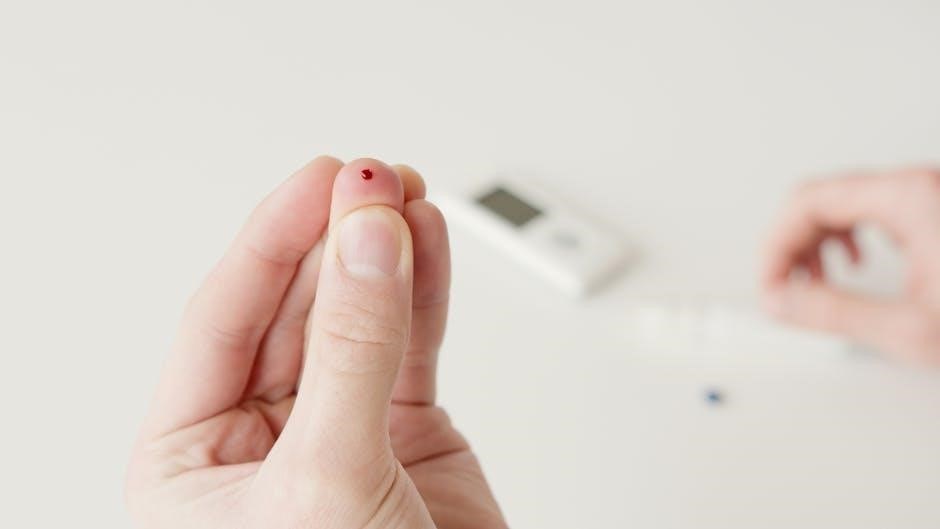
Setting Up Your CoaguChek XS
Begin with ease! This section details the straightforward process of preparing your CoaguChek XS meter for accurate testing, ensuring optimal performance and reliability.
Unboxing and Component Identification
Carefully unpack your CoaguChek XS system! Upon opening the box, verify the presence of all listed components to ensure a complete kit. You should find the CoaguChek XS meter itself, a lancing device with lancets, a supply of test strips (check the expiration date!), a control solution, and this user manual.
Additionally, locate the quick reference guide, the battery charger, and potentially a USB cable for data transfer. Inspect each item for any signs of damage during shipping. Familiarize yourself with the meter’s physical features – the display screen, the test strip port, the sample application area, and the power button.
Proper identification of each component is crucial for correct setup and operation. Retain the packaging and all documentation for future reference or potential warranty claims. If any components are missing or damaged, contact Roche Diagnostics immediately;
Battery Installation and Charging
The CoaguChek XS utilizes a rechargeable battery for convenient operation. Before first use, it’s essential to fully charge the battery to ensure accurate readings and optimal performance. Locate the charging port on the meter and connect the provided charger. A charging indicator will illuminate, typically displaying a flashing icon.
Allow the battery to charge uninterrupted for the recommended duration, usually several hours, until the indicator shows a full charge. Avoid using the meter during the charging process. The system can be operated while connected to the charger, but this isn’t recommended for testing;
Battery life varies depending on usage frequency. Regularly charging the battery will maintain its longevity. If the battery is depleted, the meter will display a low battery warning. Refer to the manual for specific charging times and battery specifications.
Initial System Setup and Date/Time Configuration
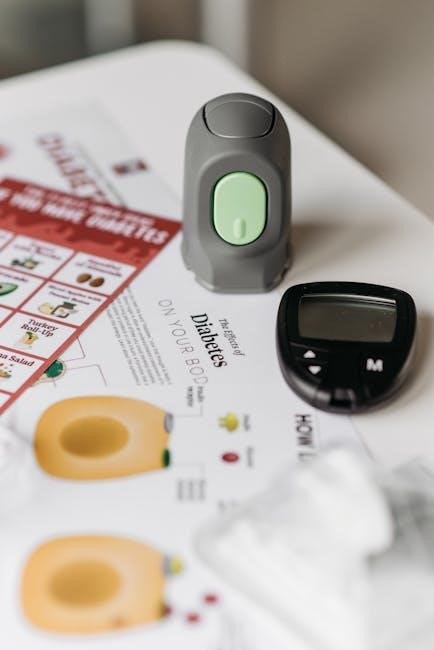
Upon powering on the CoaguChek XS for the first time, the system will guide you through an initial setup process. This crucial step ensures accurate data tracking and proper functionality. You’ll be prompted to select your preferred language and units of measurement (INR or PT).
Accurate date and time configuration is paramount for reliable test result logging. Navigate to the settings menu using the meter’s buttons and carefully input the current date and time. Double-check your entries to avoid discrepancies.
The system may also ask for user profile information, which can be configured later. Proper setup is vital for the device to function correctly and provide trustworthy results. Refer to the on-screen prompts and the user manual for detailed instructions.
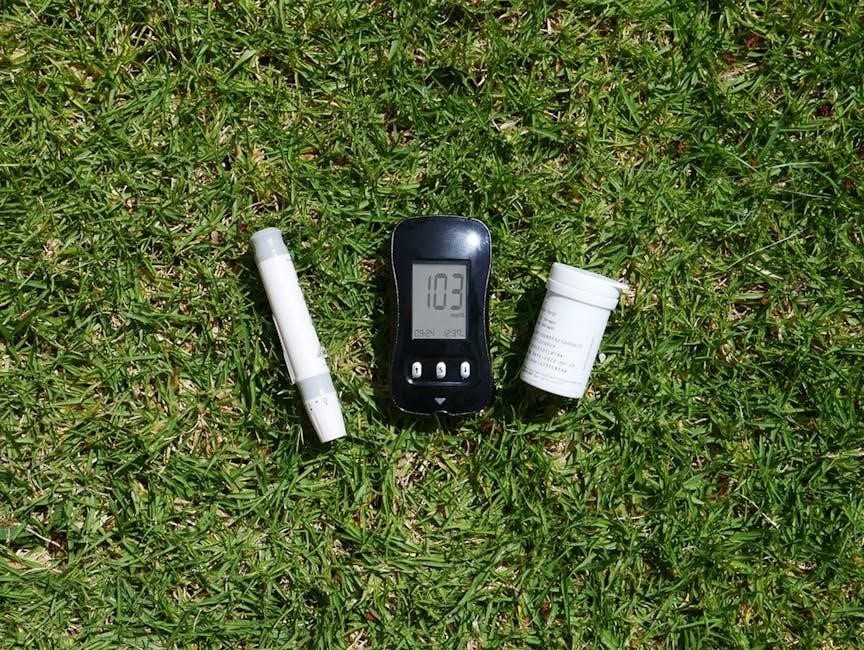
Performing a PT/INR Test
Initiate testing by inserting a test strip and collecting a small blood sample, applying it precisely to the designated area for accurate and reliable INR results.
Test Strip Insertion and Verification
Proper test strip handling is crucial for accurate PT/INR results. Begin by ensuring your hands are clean and dry. Gently remove a single test strip from the sealed pouch, avoiding touching the test area – the circular sensor pad. Immediately reseal the pouch to maintain the integrity of the remaining strips.
Insert the test strip into the meter’s designated port, ensuring it’s fully seated and oriented correctly, as indicated by the directional arrows on both the strip and the device. The CoaguChek XS will automatically recognize the strip and display a verification message, typically showing the lot number and expiration date.
Verify the displayed information matches the details on the test strip packaging. If there’s a mismatch, or if the meter displays an error message, discard the strip and use a new one. Do not attempt to reuse a test strip, even if it appears unused.
Blood Sample Collection Technique
Obtaining an adequate blood sample is vital for reliable testing. Wash your hands thoroughly with soap and warm water, then gently warm the puncture site – typically the side of a fingertip – to encourage blood flow. Use a fresh, sterile lancing device with a new lancet for each test. Adjust the depth setting on the lancing device according to your skin type; a deeper setting may be needed for thicker skin.
Cleanse the puncture site with an alcohol swab and allow it to air dry completely. Gently squeeze or massage the finger to obtain a hanging drop of blood – avoid excessive squeezing, as this can dilute the sample with tissue fluid. The required sample volume is relatively small, but it must be a free-flowing, round drop.
Avoid wiping away the first drop of blood, as it may contain tissue fluid.
Applying the Blood Sample to the Test Strip
Carefully remove a test strip from its protective packaging, ensuring you don’t touch the reaction area. Immediately insert the test strip into the CoaguChek XS meter, observing the correct orientation as indicated on the strip and the device. The meter will activate and display a countdown timer. Gently bring the hanging drop of blood to the sample port on the test strip – do not smear or force the blood onto the strip.
The strip is designed to wick up the correct amount of blood automatically. Ensure the blood completely fills the sample port; if insufficient blood is applied, the meter will display an error message. Avoid re-applying blood to the same strip, as this can lead to inaccurate results.
Allow the meter to analyze the sample without interruption.
Reading and Interpreting the Results
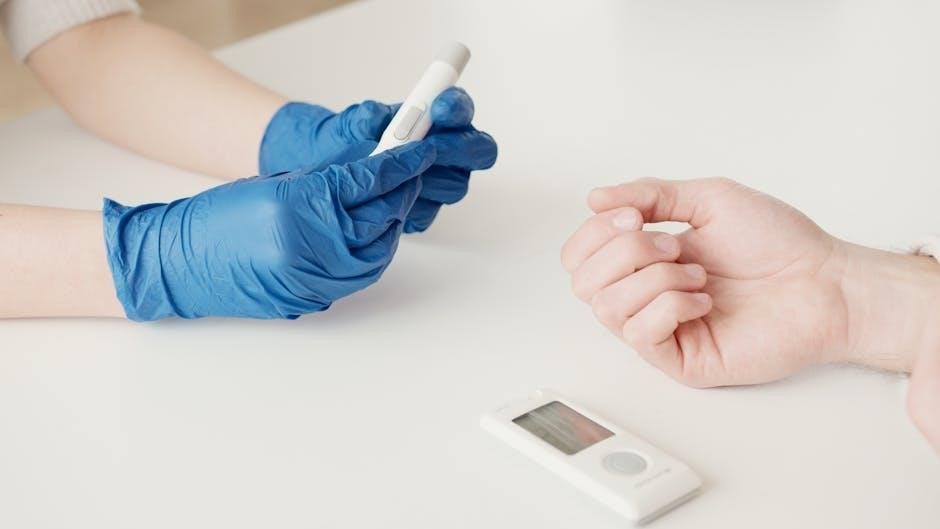
Once the analysis is complete, the CoaguChek XS meter will display your Prothrombin Time (PT) result in seconds and your International Normalized Ratio (INR) value. These values indicate how long it takes your blood to clot. The meter may also provide a therapeutic range indicator, showing whether your INR is within your target range, as determined by your healthcare provider.
Record your results carefully, noting the date and time of the test. Regularly review your results with your doctor to adjust your medication dosage if necessary. Understand that factors like diet, illness, and other medications can influence your INR.
If your results are consistently outside your target range, or if you experience any unusual bleeding or bruising, contact your healthcare provider immediately.
Troubleshooting Common Issues
Encountering problems? This section provides solutions for error messages, connectivity issues (Bluetooth/USB), and inaccurate results, ensuring smooth operation of your CoaguChek XS.
Error Messages and Their Meanings
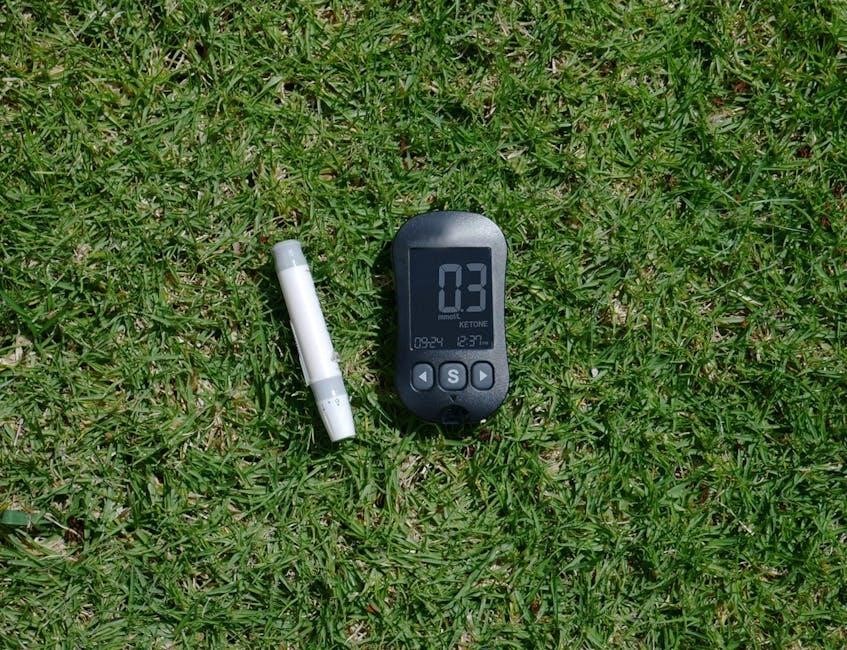
Understanding error messages is crucial for effective troubleshooting. The CoaguChek XS system displays various codes indicating specific issues. For example, a “Strip Error” message signifies a problem with the test strip – ensure proper insertion and check the expiration date. “Sample Too Small” indicates insufficient blood application; repeat the sample collection.
“Meter Error” suggests a potential malfunction requiring contacting Roche customer support with the meter’s serial number and manual readily available. Connectivity errors, like “Bluetooth Pairing Failed,” necessitate reviewing the pairing process and ensuring compatibility.
Refer to the complete list in the operator’s manual for a detailed explanation of each code and recommended corrective actions. Ignoring error messages can lead to inaccurate results, so always address them promptly. Accurate interpretation ensures reliable self-monitoring.
Connectivity Problems (Bluetooth/USB)
Establishing a stable connection is vital for data transfer. If experiencing Bluetooth pairing failures, confirm the CoaguChek XS is discoverable and within range of your device. Ensure your smartphone or computer’s Bluetooth is enabled and functioning correctly. Restarting both devices often resolves temporary glitches.
For USB connectivity issues, verify the cable is securely connected to both the meter and your computer. Check if the necessary drivers are installed; Roche’s website provides driver downloads. Compatibility issues can arise with certain operating systems – consult the manual for supported versions.
If problems persist, try a different USB port or Bluetooth device. Contacting Roche support with your meter’s serial number is recommended for advanced troubleshooting.
Inaccurate Test Results – Potential Causes
Several factors can contribute to inaccurate PT/INR readings. Improper blood sample collection – insufficient volume, excessive pressure, or contamination – is a common cause. Ensure the test strip is correctly inserted and hasn’t expired; expired strips yield unreliable results.
Meter malfunction, though rare, can occur. Regularly perform quality control checks using control solutions to verify the device’s accuracy. Environmental factors like extreme temperatures or humidity can also affect readings.
Patient-related variables, such as recent meals, medications (including over-the-counter drugs), or underlying medical conditions, may influence results. Always report any unusual readings to your healthcare provider.

Maintenance and Care
Regular upkeep ensures accurate results and prolongs device life. Clean the meter frequently, store test strips properly, and perform quality control checks routinely.
Following these simple guidelines maintains optimal performance and reliable self-testing capabilities.
Cleaning the CoaguChek XS Meter
Maintaining a clean meter is crucial for accurate test results and preventing contamination. After each test, and periodically during use, carefully wipe down the exterior surfaces of the CoaguChek XS meter with a soft, slightly damp cloth.
Avoid using harsh chemicals, abrasive cleaners, or excessive moisture, as these can damage the device. Pay particular attention to the sample port, ensuring any residual blood is removed promptly.
Important: Never immerse the meter in liquid. For stubborn residue, a mild solution of water and dish soap can be used, followed by a thorough wipe with a clean, damp cloth and then drying completely.
Regular cleaning contributes to the longevity and reliable performance of your CoaguChek XS system, ensuring consistent and trustworthy INR readings.
Always disconnect the power source before cleaning.
Test Strip Storage Guidelines
Proper test strip storage is paramount for maintaining accuracy and reliability of your CoaguChek XS results. Always store unused test strips in their original, unopened foil pouch. This protects them from moisture, light, and temperature fluctuations, all of which can compromise their functionality.
Once opened, reseal the foil pouch tightly, using a clip or similar closure, and discard any strips that have been exposed to air for an extended period. Store the opened pouch in a cool, dry place, away from direct sunlight.
Crucially, do not refrigerate or freeze the test strips. Adhere to the manufacturer’s expiration date printed on the packaging; expired strips should never be used. Following these guidelines ensures optimal performance and dependable INR measurements.
Improper storage can lead to inaccurate readings and potentially compromise your anticoagulation management.
Quality Control Procedures
Regular quality control checks are essential to verify the accuracy and precision of your CoaguChek XS meter. Utilize Roche’s recommended control solutions – both low and normal – to assess system performance. Perform these checks at least twice a year, or more frequently if you suspect a problem or after a meter issue.
Follow the instructions provided with the control solution carefully, treating it as a patient sample during testing. Record the results of each control test and compare them to the acceptable range specified on the control solution vial.
If results fall outside the acceptable range, do not use the meter and contact Roche customer support for assistance. Consistent quality control ensures reliable INR readings and supports informed anticoagulation therapy decisions.
Maintaining meticulous records of these checks is highly recommended.

Advanced Features and Settings
Explore enhanced functionality! The CoaguChek XS offers memory for data review, customizable user profiles, and adjustable system settings for personalized monitoring experiences.
These features optimize the device to individual needs, improving convenience and control over anticoagulation management.
Memory Function and Data Review
Data Storage and Accessibility: The CoaguChek XS meter boasts a robust memory function, capable of storing numerous previous test results for convenient tracking and analysis. This allows users and healthcare professionals to monitor trends in Prothrombin Time (PT) and International Normalized Ratio (INR) values over time.
Reviewing Past Results: Accessing stored data is straightforward through the meter’s intuitive interface. Users can easily scroll through historical readings, often displayed with corresponding dates and times; This feature is invaluable for identifying patterns, assessing the effectiveness of medication adjustments, and proactively managing anticoagulation therapy.
Data Export Capabilities: Some models or connected software solutions may allow for data export to computers or mobile devices. This facilitates sharing information with physicians and enables more comprehensive data analysis using specialized software. Regularly reviewing and analyzing stored data empowers informed decision-making regarding anticoagulation management.
Setting User Profiles
Personalized Monitoring: The CoaguChek XS system allows for the creation of multiple user profiles, a crucial feature for households with more than one individual requiring PT/INR monitoring. Each profile stores personalized settings, ensuring accurate and tailored testing for each user.
Customizable Parameters: When setting up a profile, users typically input information such as name, date of birth, and target INR range – as prescribed by their healthcare provider. This customization prevents accidental mixing of results and ensures that each individual’s data is correctly interpreted.
Enhanced Accuracy & Safety: Utilizing user profiles significantly enhances the accuracy and safety of self-monitoring. It minimizes the risk of incorrect dosage adjustments based on another person’s results. Properly configured profiles are essential for effective anticoagulation management and maintaining optimal health outcomes.
Adjusting System Settings
Personalization Options: The CoaguChek XS meter offers a range of adjustable system settings, allowing users to tailor the device to their individual preferences and needs. These settings enhance usability and ensure a comfortable testing experience.
Key Adjustments: Common adjustable settings include date and time format, units of measurement (INR or PT), audio volume for prompts and alerts, and Bluetooth connectivity options. Users can also configure data storage preferences and review memory capacity.
Optimizing Performance: Carefully adjusting these settings optimizes the meter’s performance and ensures accurate data recording. Refer to the comprehensive user manual for detailed instructions on navigating the settings menu and making appropriate adjustments. Proper configuration contributes to reliable self-monitoring and informed healthcare decisions.
Safety Precautions and Warnings
Crucially, always handle blood samples as biohazards, using proper disposal methods. Store the device securely, and heed all contraindications outlined in this manual.
Biohazard Handling and Disposal
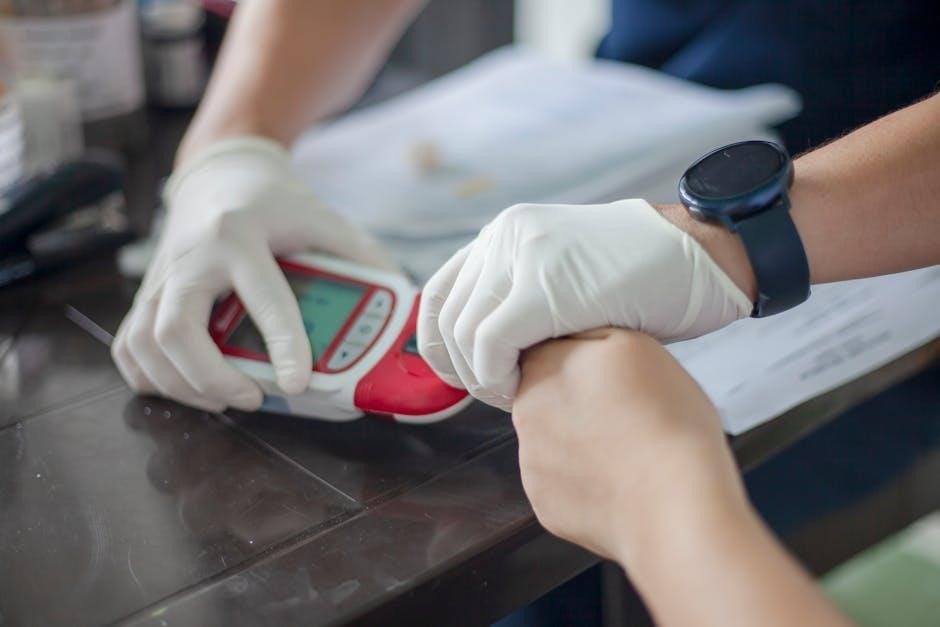
Strict adherence to biohazard protocols is paramount when using the CoaguChek XS system. Blood, and any materials that come into contact with it, must be treated as potentially infectious. Always wear appropriate personal protective equipment (PPE), such as gloves, when handling blood samples and used test strips.
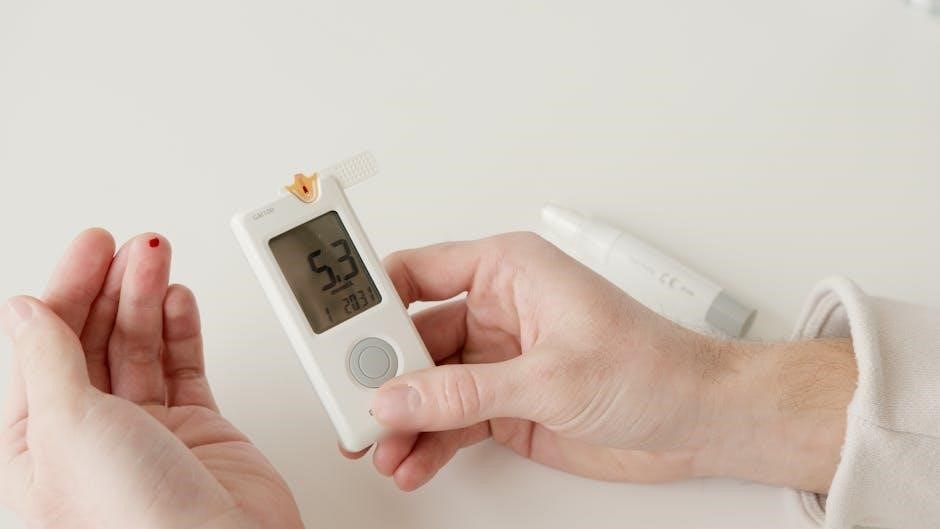
Dispose of used test strips, lancets, and any contaminated materials according to your local regulations for biohazardous waste. Typically, this involves placing them in a designated sharps container and following established procedures for medical waste disposal. Never recap lancets, as this increases the risk of accidental needlestick injuries.
Thoroughly clean and disinfect any surfaces that may have come into contact with blood. Wash hands immediately and thoroughly with soap and water after handling blood or contaminated materials. Proper biohazard handling minimizes the risk of infection and ensures a safe testing environment.
Proper Device Storage
Maintaining the CoaguChek XS meter’s functionality requires careful storage practices. Store the device in a clean, dry place, away from direct sunlight, extreme temperatures, and humidity. Ideal storage conditions are between 15°C and 30°C (59°F and 86°F). Avoid storing the meter in bathrooms or other areas prone to moisture.
When not in use, protect the meter from dust and physical damage. The rechargeable battery should be fully charged before prolonged storage to maintain its capacity. Do not store the meter with a damaged battery. Ensure the meter is switched off to conserve battery life during storage.
Keep the meter and its accessories out of reach of children and pets. Proper storage extends the lifespan of your CoaguChek XS system and ensures accurate performance when you need it.
Contraindications and Limitations
The CoaguChek XS system is designed for self-testing and monitoring of oral anticoagulant therapy with warfarin. However, certain conditions may limit its use or invalidate results. Individuals with significant bleeding disorders, recent major surgery, or those taking medications that significantly affect coagulation should consult their healthcare provider before using this system.
This device is not intended for use on critically ill patients or in emergency situations requiring immediate clinical intervention. Results obtained with the CoaguChek XS should always be interpreted in conjunction with clinical assessment and physician guidance.
The system’s accuracy can be affected by improper technique, environmental factors, and test strip quality. Always adhere to the instructions in this manual and consult your doctor if you have concerns.